
-
Go to the Billing & subscription settings tab and click on “Manage Subscription” to switch your billing frequency. You won’t be able to apply the promo code until you do this.
-
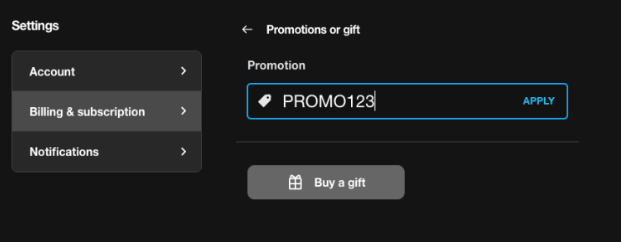
Then go back to your Billing & subscription settings and click on “Promotions and gift.”
-
Apply the Promo code in the Promotions field.
-
Click the Confirm button to review and apply the offer details.
You can also switch from an annual to a monthly rate and apply your promo without having to cancel your subscription.