
If you have a monthly or annual subscription and want to change to the other one (in the event that it's available), you can do so on the billing and subscriptions tab from your account settings:
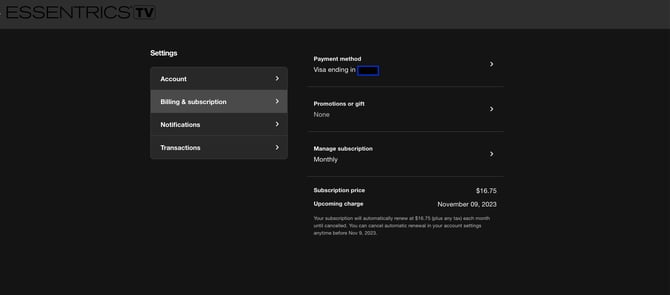
- Navigate to billing and subscriptions
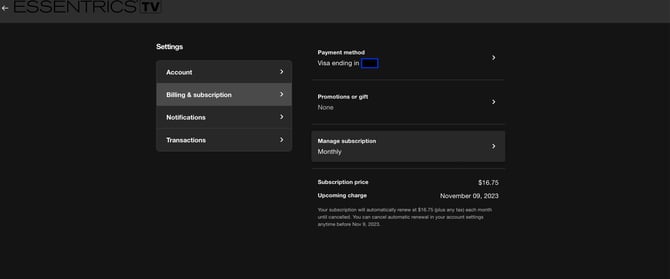
- Click on Manage Subscription
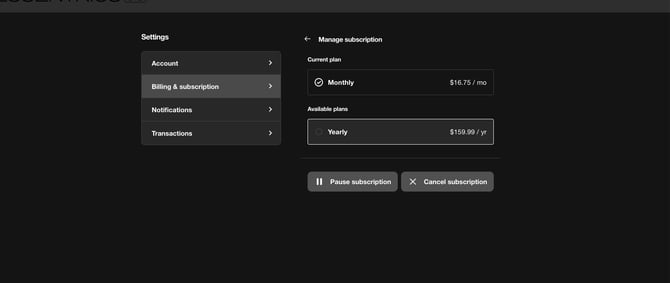
- Select your desired subscription frequency.
- You'll see an alert to confirm. Click Confirm.
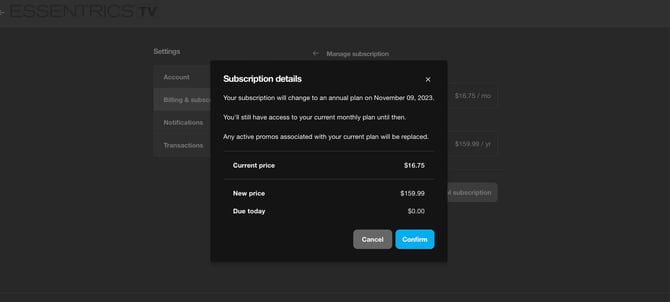
Please note that the exact price varies by country.
You will be charged the new rate on the next billing cycle for your account.