Follow these steps to enable closed captioning on Essentrics TV:
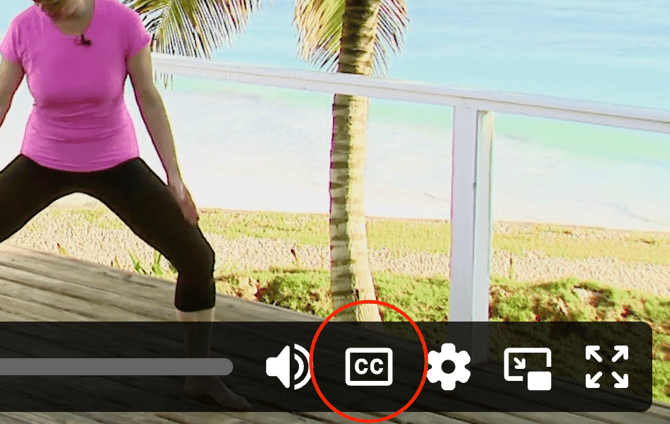
- Click CC at the bottom right side of the video on EssentricsTV.com
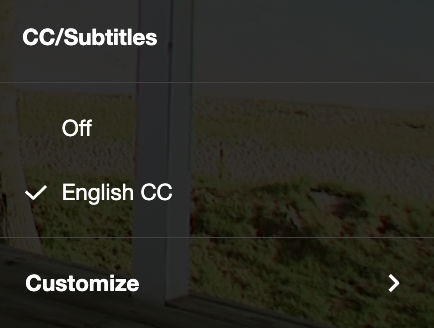
- A pop-up box will appear. Select English CC and exit.

Follow these steps to enable closed captioning on Essentrics TV: