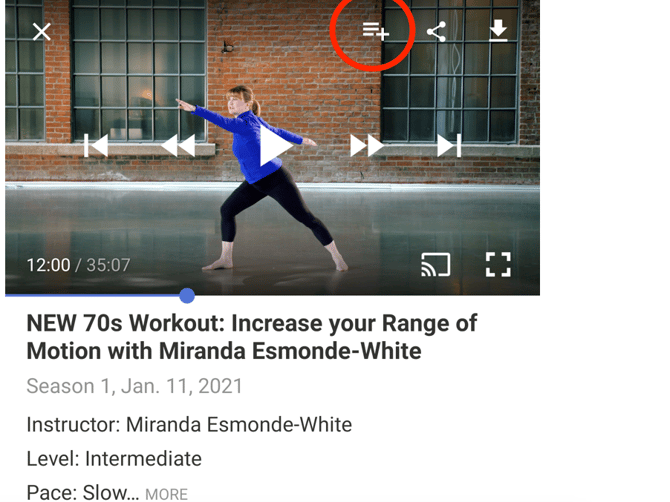
In the mobile app, click on the collection or workout that you wish to add to your list and select Add to My List on the top right of the video or above the collection description.
To access your list, go back to the homepage and click the Library symbol at the bottom.
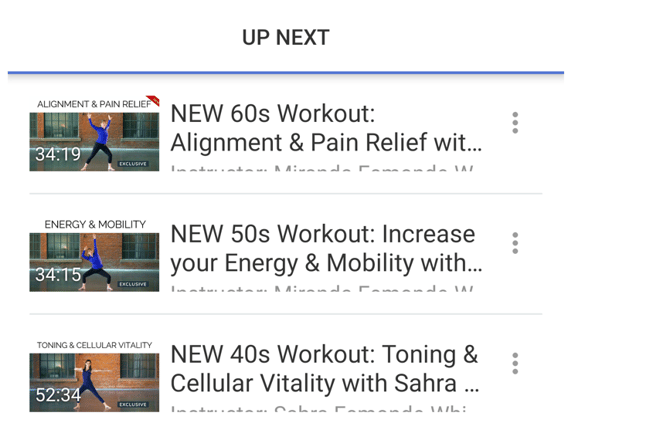
To remove something, click the three dots to the right of the workout while viewing your list and select Remove from My List. You can also open the video or collection and click the same button you used to add it to your list.