
If you’ve found the perfect workout or collection and want to come back to it later, you can add it to My List from desktop in two ways.
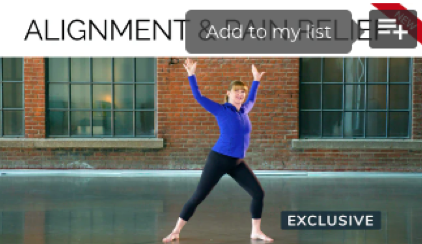
From the homepage, click the symbol on the top right of the video or collection.
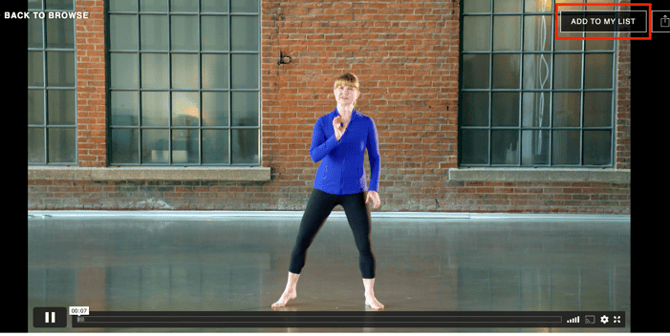
From within the video itself, click Add to My List.
Once something has been added to your list, you will see a category at the top of the homepage called My List.
To remove something from your list, hover over and click the symbol on the thumbnail, or open the workout and click Remove from List on the top right-hand side.